This project introduces working with vector graphics, which can be a challenging learning curve if used to working with raster / bitmap graphic editors. From a conceptual standpoint, it breaks down very common scenes and framing from games into a series of points, lines and shapes, which, are also the “building blocks” of vector graphics. While relatively technical in nature, this project also explores framing and composition in games, and deconstructs high-fidelity worlds into more basic, but critical, building blocks.
Description
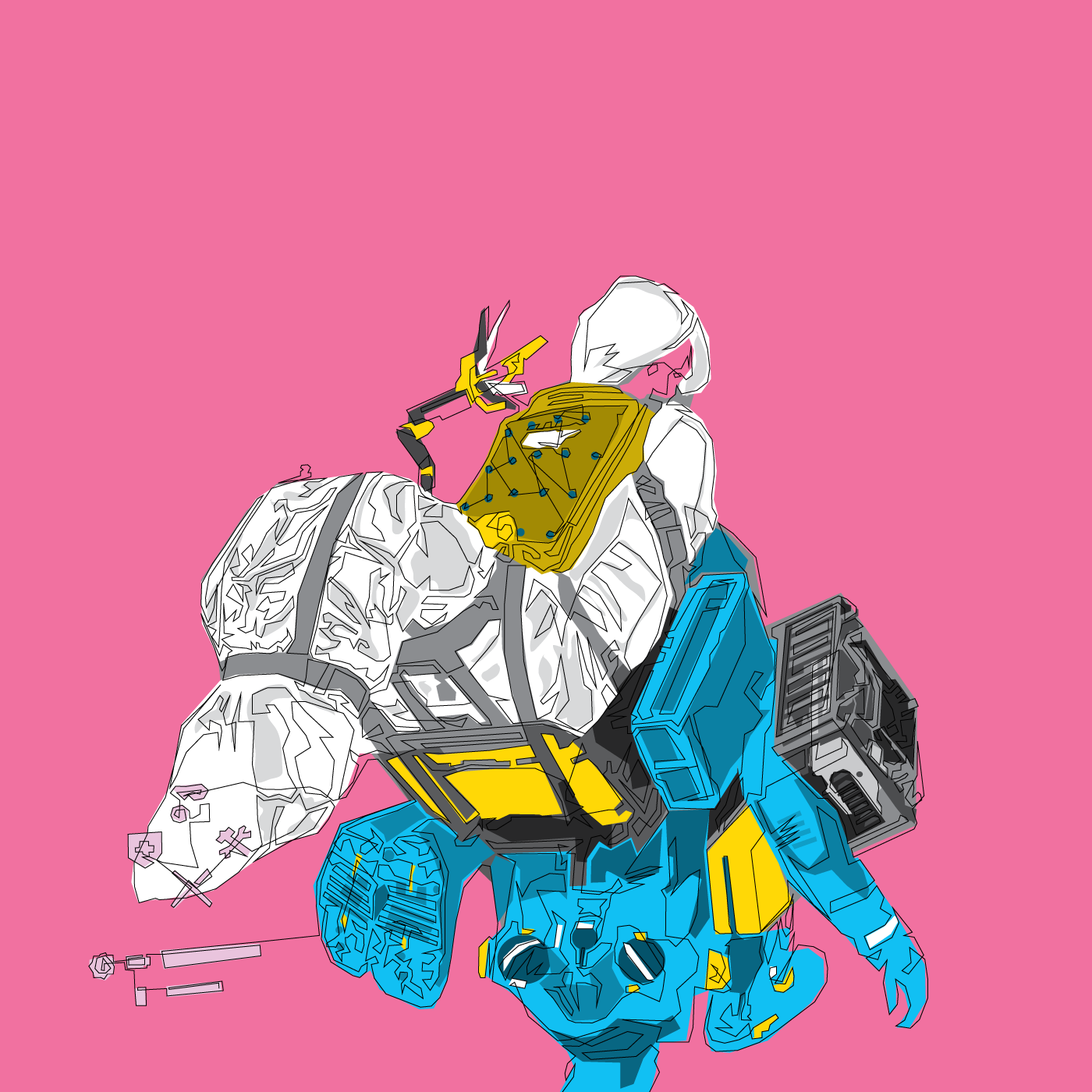
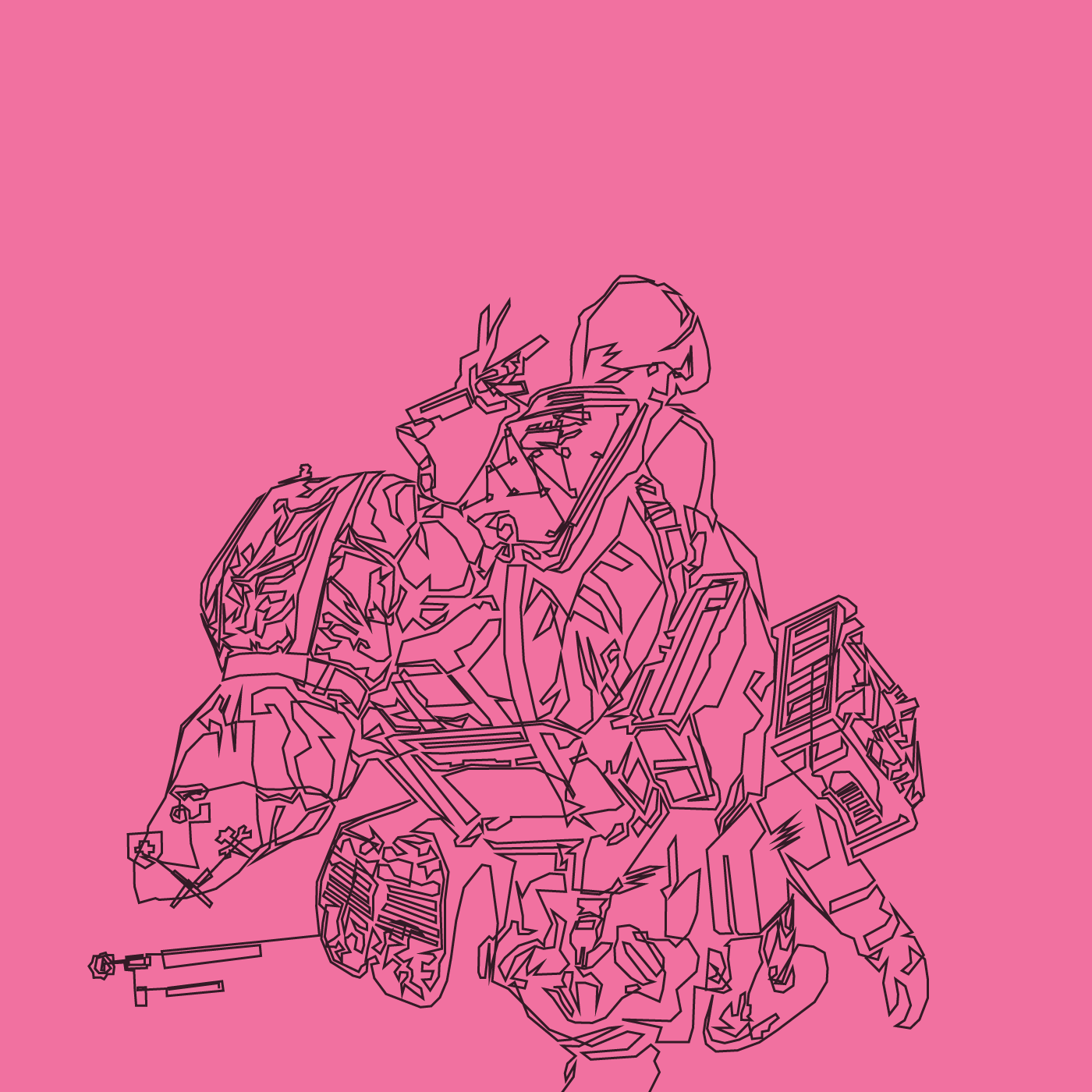
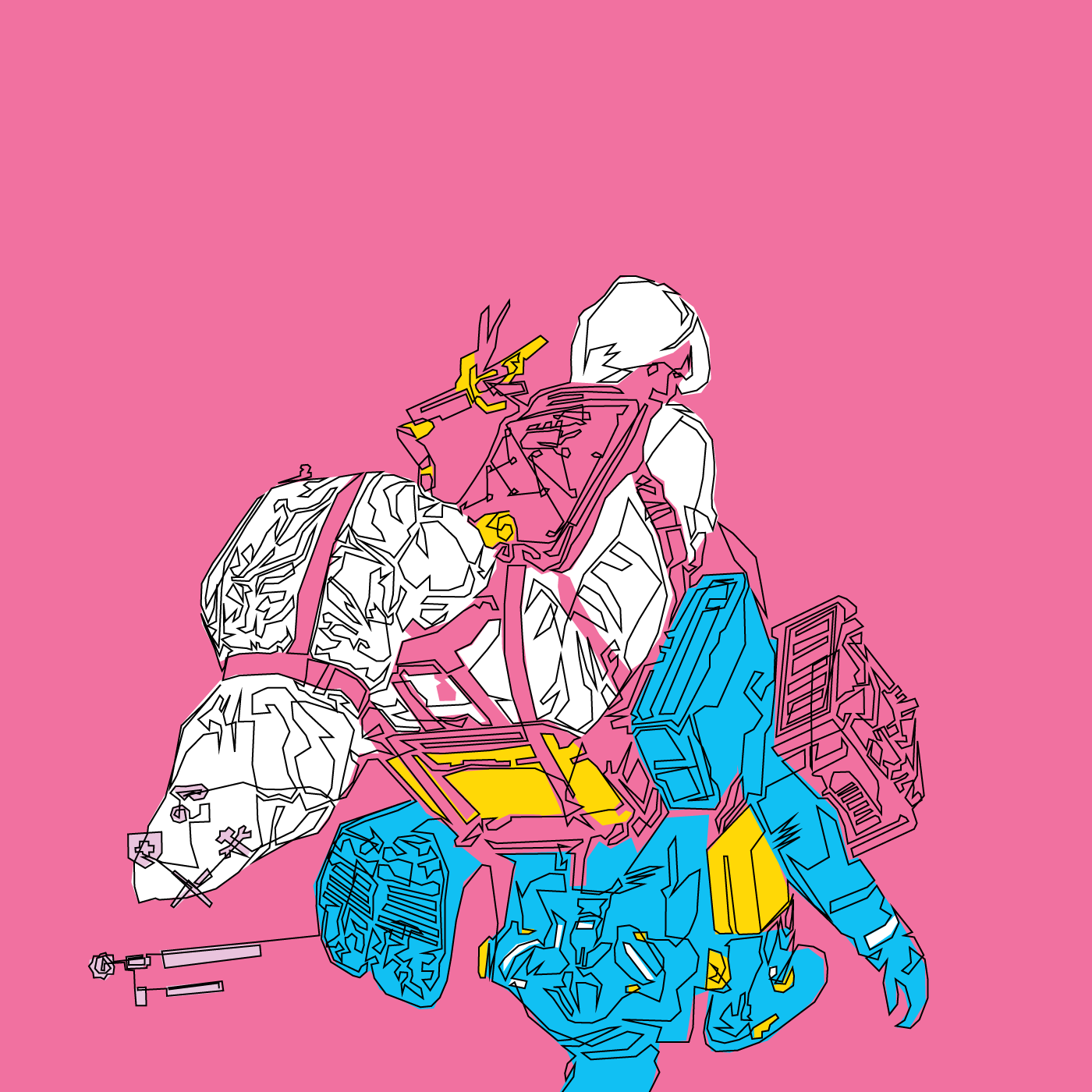
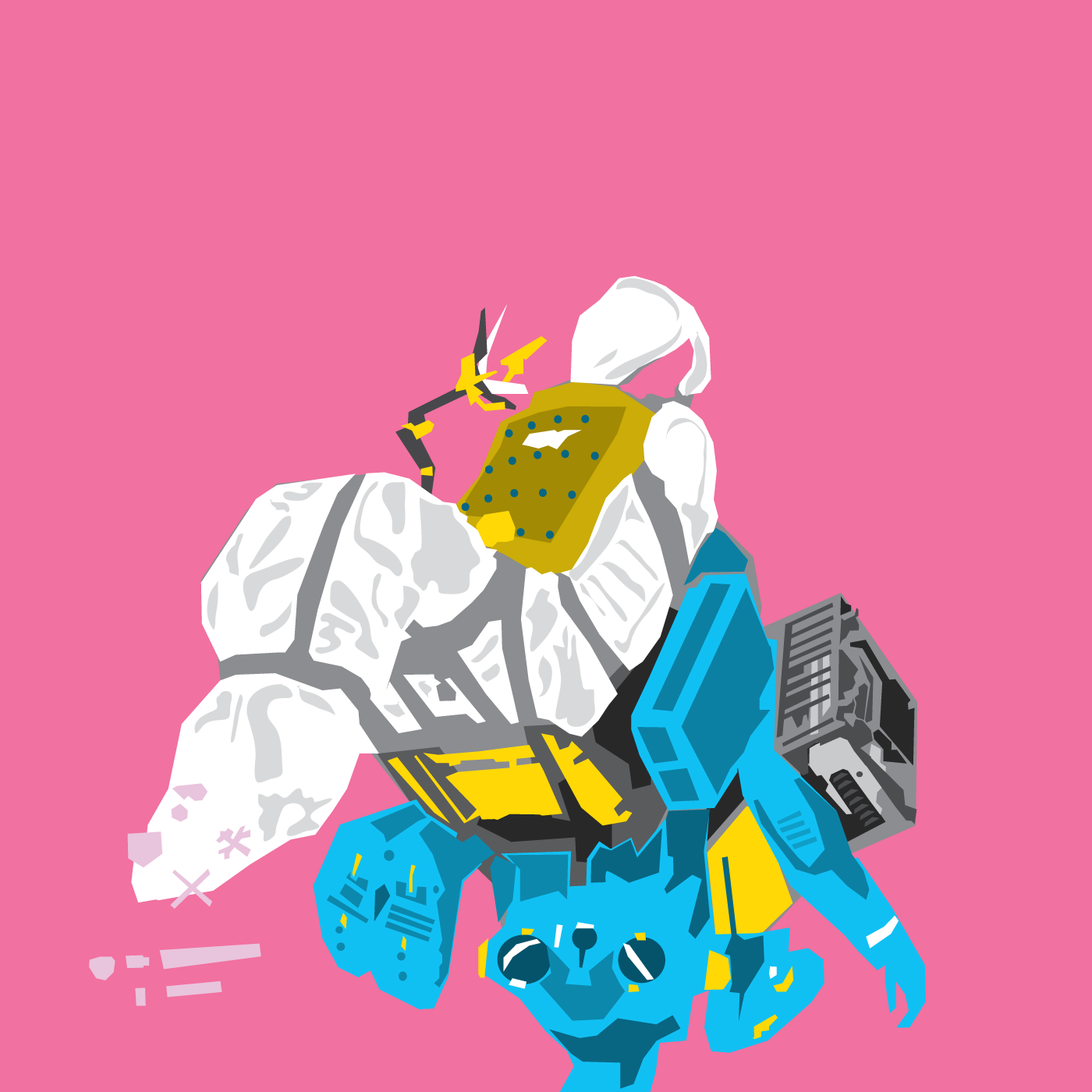
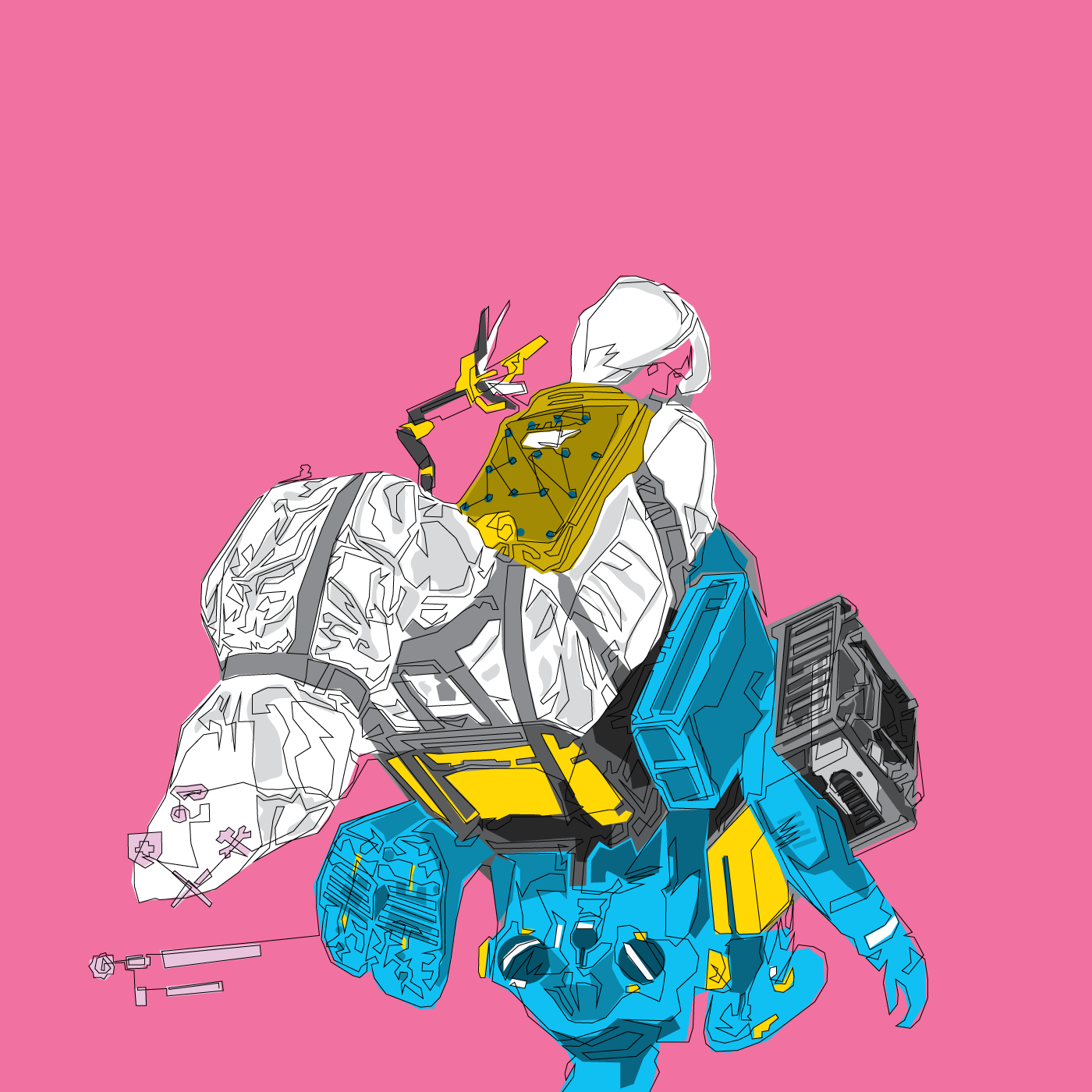
Utilize Illustrator - or another vector graphics editor - to create a sequence of three compositions that "deconstruct" and then recreate the central character-figure in a game-play screenshot from a First Person or Third-Person, 3D game.
Create three unique compositions using the same starting screenshot, color scheme and set of textures - one that is made with point and line only, one that is line and basic shapes, and one that is shapes only.
Specifics
Screenshot should focus and/or frame most of the full figure of the central character, unless there are specific reasons to have the character in a different part of the frame
Only 1 character-subject and user interface / HUD elements need to be recreated in the three compositions - things like background environment, other characters, or other items do not need to be included
Select a 3 to 6 hue color scheme {plus black and white} to work with, to keep things a bit more graphic - color scheme does not need to match the original screenshot
Project Goals + Outcomes
Technically, this project introduces several aspects of vector editors and affordances
Creatively, this project explores framing and the breakdown of complex visual worlds into more basic design elements and components, including: line, shape, form, framing, and composition.
Programs + Tools Used
This project utilizes a vector graphics editor - such as Adobe Illustrator - in order to manually design and illustrate the three graphic compositions. Many of the visual processes covered in the studio instruction could be approximated in a program like Photoshop, but one of the goals of this project is to introduce and get practice with a vector graphics program, which offers very different affordances compared to a raster graphics editor.
Suggested Constraints
Work within a vector-native program only, such as Illustrator
Select a 3D game / screenshot with a high-fidelity {high detail} character design as the visual focal point
The characters / game-world can be more stylized {less realistic}, as long as there is still a moderate amount of detail to work with in the deconstructed designs
Dimensions should be minimum 1200 wide and maintain the aspect ratio of the entire gameplay still / frame - aim for around 2000 pixels wide.
Generative AI should not be used, including Generative Vector Tools
Automated tracing or vectoring processes should not be used with the original screenshots - the goal is not exact reproduction, rather re-interpretation / remix
Suggested Rubric - 8pts Total
Project follows the basic dimension requirements + content requirements - 2pts
Project works within the required color scheme and uses only continuous line and/or shapes - 2pts
Project follows progression of line, line + shape, shape - 2pts
Compositions demonstrate time spent, practice with vector tools + exploration with line + shape - 2pts
Extra Credit- 4th Composition that includes additional elements such as another character, a background element, an environmental element, etc - Up to +2 pts