You wake up in a strange, gray, grid-like world. In front of you, you see a white-shaded cube. Floating above the cube is what looks like a hollow wedge of cheese and a levitating staff with a magic orb. What is this place?
You are a new Blender apprentice - and this is the 3D Viewport. After getting your bearings and learning how to move and even look around in this desolate landscape, you will be tasked with your first {project} challenge: Magically craft a fox from this box using only blender spells and secret blender potions that you uncover.
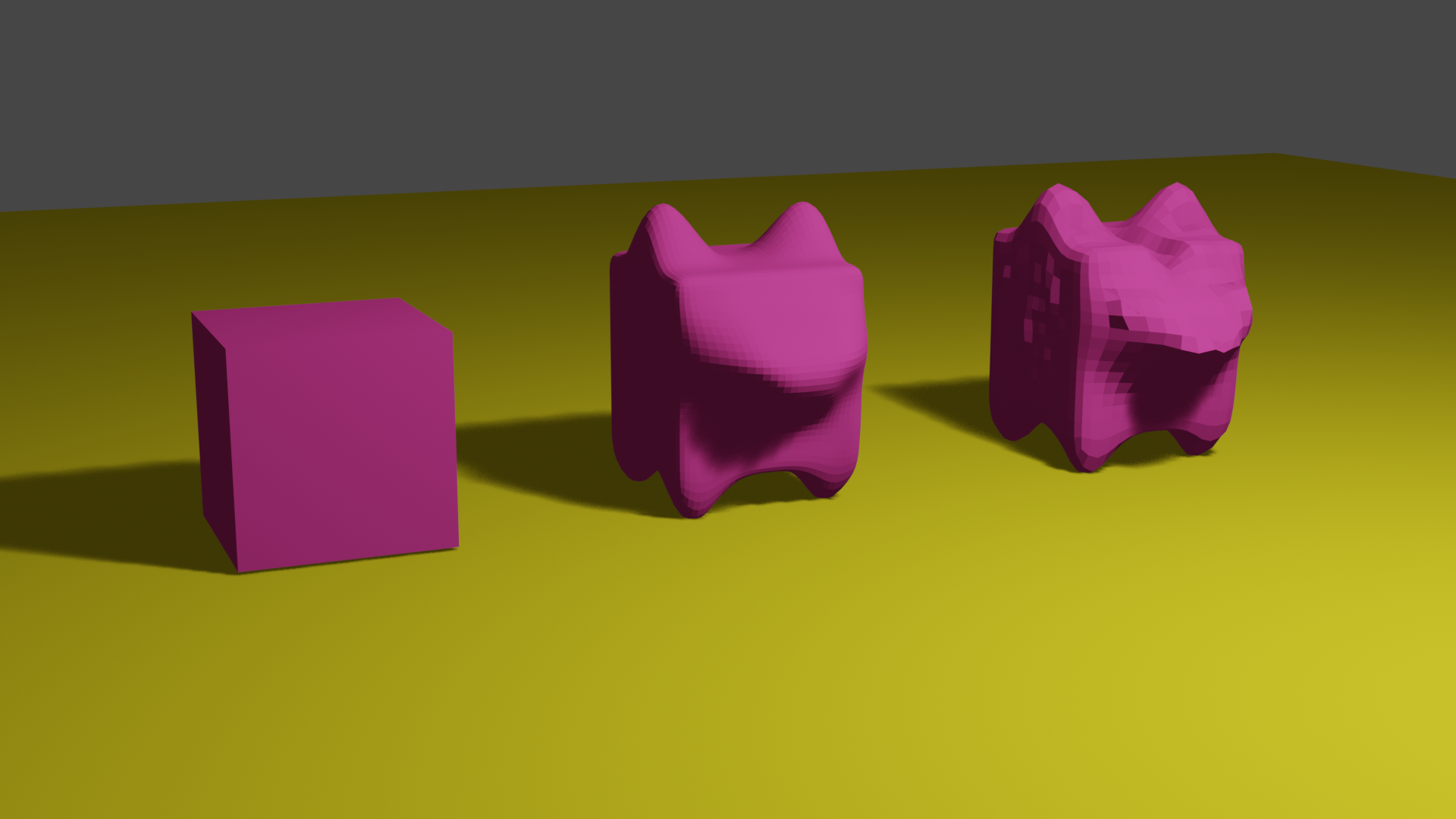
This project is a bit different because it is really just an exercise to introduce 3D modeling basics, which requires learning how to navigate a 3D modeling program. Try to approach this project like a game - the goal is to experiment, explore, and play...after getting up to speed with some complex controls...
Description
Using basic editing and sculpting processes, model a fox-like form using ONLY the starting default mesh Blender cube or a basic cube in another 3D program. The main challenge of this project is that no other objects can be introduced - the fox must be formed from this single starting cube.
Specifics
Submit at least 1 rendered PNG image framing the final fox form, with materials, lighting and 2D plane background
Submit at least 1 screenshot of the model in wireframe mode, open in the blender workspace - screenshot the entire workspace
Project Goals + Outcomes
Technically, this project introduces common aspects of a 3D modeling / animation workspace, and working with very basic modeling and sculpting processes.
Creatively, this project explores basic 3D approaches, within a constrained possibility space.
Programs + Tools Used
This project introduces a 3D modeling and animation program like Blender, primarily focusing on navigating the workspace and basic modeling approaches. The added constraint of starting and building a more complex form from a single starting mesh-cube keeps these processes very introductory.
Suggested Constraints
Start with a single mesh cube only
No additional individual objects/forms can be added as a part of the fox - this does not include texture maps
Try to stylize the fox v.s. going for “realism” - this can allow for more expressive forms without necessarily adding complexity.
Suggested Base Credit
Since this can be a challenging project for first-time 3D users, rubric totals could be reduced with a base-credit assigned for any attempted projects
Suggested Rubric - 8pts Total
Screenshot of wireframe in Blender workspace - 2pts
Project is formed from 1 cube only - 2pts
Project shows evidence of basic transformation and editing processes - 2pts
Rendered image framing fox form - 2pts